





































What is MCP? A plain explanation and a first hands-on test with Claude
MCP is how an AI assistant asks your permission to open a file or tool you own. Three parts, one comparison and a test on a store's orders file.
On this page13
- The mistake I see most
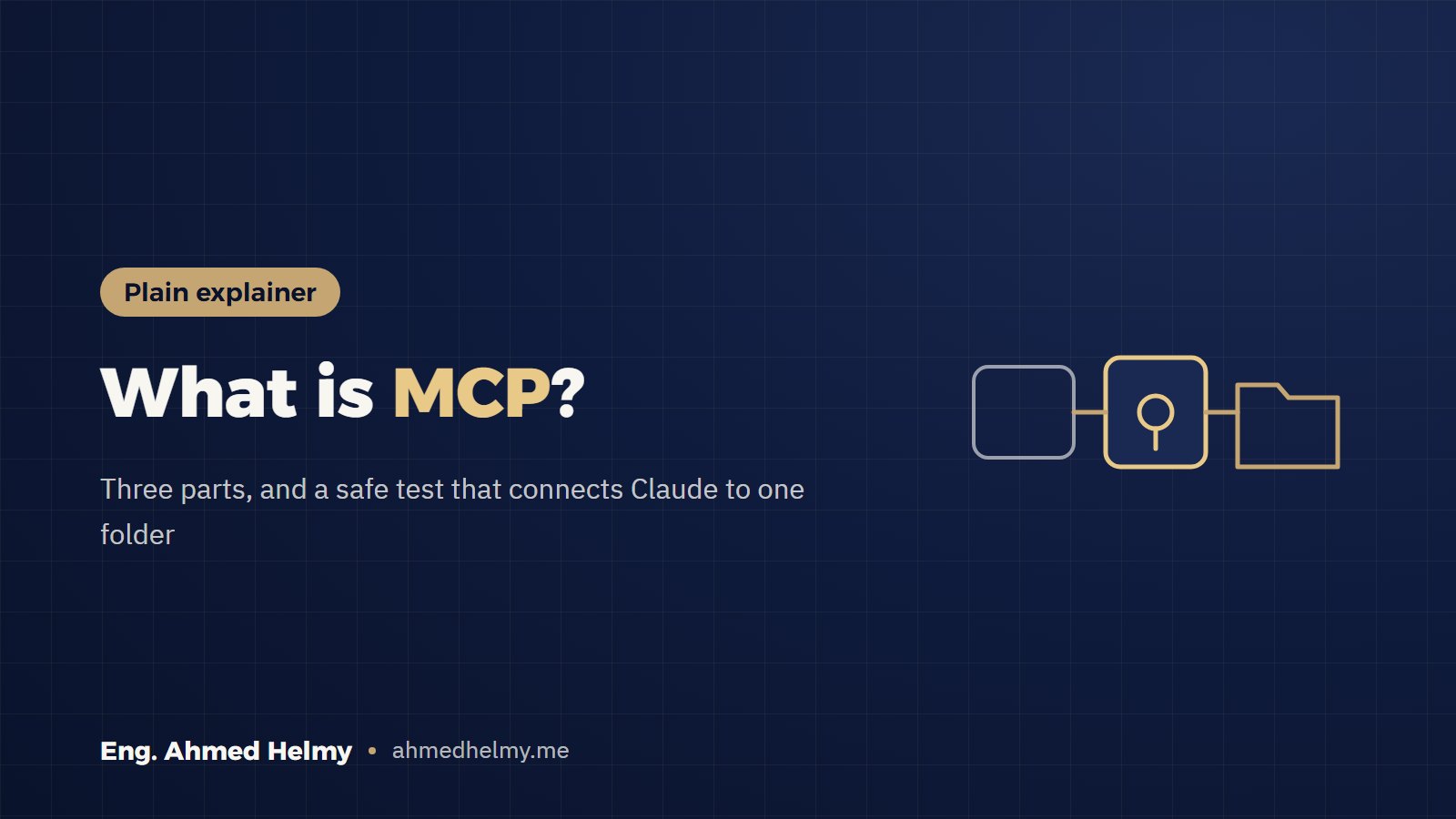
- The big picture: three parts
- An everyday comparison
- Try it before you install anything
- A worked example: a perfume store’s week
- Step by step on Windows or Mac
- If the server does not show up
- What enters the chat and what stays with you
- Checklist before any new server
- Your task
- Questions people ask
- Free kit
- Next step
Most MCP explainers open with code. A business owner needs one plain sentence first. MCP is how an AI assistant asks your permission to open a file or tool you own, then works on it in front of you.
This guide is for store owners and marketers who use Claude and want to understand MCP before installing anything. It is also for builders who want a safe first test. By the end, Claude will read an orders file in one folder on your computer and write a weekly summary.
The mistake I see most
Someone reads about MCP, installs the first server they find on GitHub, and gives it the whole drive. It works, the demo looks great, and nobody notices that a program from an unknown author can now read every file.
Do the opposite: a server from a known source, one folder only, and your approval on every action.
The big picture: three parts
- The host app: where you type, such as Claude Desktop. It asks you before anything happens.
- The MCP server: a small program, on your machine or online, that offers the assistant named tools: read a file, write a file, search a folder.
- Your data: the folder, spreadsheet or store the server works on.
The protocol is the agreement between the first two parts. It sets how the assistant lists the tools, asks to use one, and gets the result back. That is why one server works with more than one app.
An everyday comparison
A power of attorney comes in two kinds. A general one lets someone do anything in your name; a specific one covers a single written task.
A good MCP server is the specific kind. It states exactly what the assistant can do, on which folder, and nothing else.
The difference is that you do not sign once and forget. Claude asks before each action, and you can say no.
The rule: the narrowest folder the server needs, and your approval on every step.
Try it before you install anything
Switch what the server can see between “one folder” and “the whole drive” and notice the difference. Then ask for the summary, and allow or deny each request, as Claude Desktop will ask you.
A worked example: a perfume store’s week
The store and its numbers are made up for this test. A small perfume shop in Alexandria sells through Instagram, WhatsApp, TikTok and its website.
Every week the owner exports orders to a CSV file and spends an hour adding things up. We want Claude to read the file and write the summary into a new file in the same folder.
The first five lines of orders-week-44.csv, exactly as they are (product names are in Arabic, as the store writes them):
order_id,date,product,qty,unit_price_egp,city,channel
1041,2026-10-26,عود ملكي 50 مل,1,650,الإسكندرية,Instagram
1042,2026-10-26,مسك أبيض 30 مل,2,240,القاهرة,WhatsApp
1043,2026-10-26,عنبر شرقي 50 مل,1,520,الإسكندرية,TikTok
1044,2026-10-27,مسك أبيض 30 مل,1,240,طنطا,Instagram
The full file (20 orders) is in the free kit at the end, so you can test on the same numbers.
Step by step on Windows or Mac
1. Get the basics ready
- Claude Desktop, latest version (Claude menu, then Check for Updates).
- Node.js LTS from nodejs.org. Run
node --versionin a terminal to confirm it is installed. - A new folder with only the orders file in it, for example
Documents\store-reports.
2. Open the config file
From the Claude menu in your system menu bar (not inside the chat window), choose Settings, then the Developer tab, then Edit Config. This opens claude_desktop_config.json, which lives in %APPDATA%\Claude\ on Windows and ~/Library/Application Support/Claude/ on a Mac.
3. Add the official filesystem server on one folder
This is the Filesystem server documented on the official MCP site. Put your real user name in place of username and use the full path:
{
  "mcpServers": {
    "filesystem": {
      "command": "npx",
      "args": [
        "-y",
        "@modelcontextprotocol/server-filesystem",
        "C:\\Users\\username\\Documents\\store-reports"
      ]
    }
  }
}
The official guide uses the Desktop and Downloads folders as its example. I prefer a folder that holds only what you want the assistant to see.
4. Quit Claude completely and open it again
The config is only read at start-up. Then open the add button under the message box and choose Connectors, then Manage connectors. You will see filesystem with its tools: read, write, search and move.
5. Ask for the summary
Read orders-week-44.csv in the store-reports folder.
Count the orders, total sales in EGP and the average order value.
Then rank sales by product, by channel and by city.
Write the result in a new file called summary-week-44.md in the same folder.
Do not change the original orders file.
Claude will ask for your approval before each action: reading first, then writing the new file. Read each request before you accept it.
6. Check the output
For this exact data the summary should show the figures below. If a number differs, ask Claude where it came from.
| Item | Value |
|---|---|
| Orders | 20 |
| Total sales | EGP 13,870 |
| Average order value | EGP 693.5 |
| Top product | Small gift set: EGP 4,450 |
| Top channel | WhatsApp: EGP 5,320 from 6 orders |
| Top city | Alexandria: EGP 7,660 from 10 orders |
The line worth a question: Instagram brought more orders than WhatsApp (7 against 6), yet WhatsApp sold more. That is a question about how the shop replies to customers, not about the ads.
If the server does not show up
- Restart Claude Desktop fully. Closing the window is not enough.
- Check the file: one extra comma or a missing quote breaks all of it.
- Use a full path that starts with the drive letter, and double the backslashes inside the JSON on Windows.
- Logs are in
%APPDATA%\Claude\logson Windows and~/Library/Logs/Claudeon a Mac.mcp.logsays why a server did not connect.
What enters the chat and what stays with you
The server runs on your computer. Whatever Claude reads from the file goes into the conversation and is sent to the model, just like a file you upload yourself. So keep customer data you do not need out of that folder: phone numbers, addresses, anything you have no permission to use.
The official guide is also clear that the server runs with your user account’s permissions, so it can do any file operation you can. That is the reason for the rule above.
Worth knowing
MCP is no longer one company’s project. On 9 December 2025 Anthropic announced it was moving the protocol to the Agentic AI Foundation. The foundation is a directed fund under the Linux Foundation, co-founded with Block and OpenAI.
The announcement counted more than 10,000 active public MCP servers. That is why the same server works with Claude, ChatGPT, VS Code and Cursor.
Source: Anthropic’s announcement
Checklist before any new server
- I know who published the server, and the link comes from an official source or a well-known repository.
- I have read its list of tools and know which ones write or delete.
- It has one folder, or a read-only account where reading is enough.
- Nothing in that folder is something I would not send to the model.
- I read every approval request before I click.
- I know where the logs are if something stops.
Your task
Download the orders file from the kit and repeat the steps exactly. Then change the request so Claude finds the top channel in each city. After that, try a real export from your store with customer names and numbers removed.
Questions people ask
Is MCP only for Claude?
No. The protocol’s official site lists Claude, ChatGPT, Visual Studio Code and Cursor among the apps that support it. A server you build once works with more than one of them.
Do I need to code?
To use a ready server like the filesystem one, you only edit one config file as shown above. Building your own server takes light coding in a language such as Python or TypeScript.
How is MCP different from an API?
An API is a door to one service, in that service’s own format. MCP is one shared format any server uses to show its tools to the assistant. Behind it there may be an API, files or a database.
Does my data leave my computer?
The server itself runs locally. What Claude reads from a file is sent to the model as part of the conversation. Keep only what you are willing to share in that folder.
Does it work on Windows?
Yes. The official guide covers Windows, Mac and Linux. What changes is where the config file lives and how you write the path.
Free kit
The sample orders file (20 orders), the config file ready for Windows and Mac, five copy-ready prompts, and the checklist to print.
Next step
An assistant that reads your store or ad account data directly is work I build for clients, with a dedicated server and limited permissions. Read about the AI automation service. If you would rather build the server yourself, a Python MCP server is a full lesson in the upcoming advanced track in the academy.