






Skip to content
Ahmed Helmy
Enrolment open

Build and sell an AI tools platform on WordPress

An AI tools platform on WordPress with accounts, a credit wallet and payments, tested on the market before you scale.

  • 12 modules · a 50-tool catalog
  • Technical beginner to intermediate
  • 67 lessons

Outcomes

What you will build

  1. A new tool without new codeDefine a tool in the registry and add it to the shared engine instead of copying code.
  2. A clear interfaceA catalog, a form and a result page in Arabic, for instant and long-running requests.
  3. A protected routeAccounts, permissions and usage limits, so nobody sees someone else's result.
  4. A wallet you can reconcileAtomic reservations, a ledger of every movement, and settlement for success and failure.
  5. Payments you can trustCredits are added once, after the gateway confirms the payment, with refunds handled.
  6. A limited launchTen tools that passed their criteria, and a market test that tells you what to grow next.

Who this course is for

  • WordPress site owners who want to sell a paid tool
  • Freelancers who build tools for their clients
  • Marketers who want a digital product that runs on AI

Before you start

  • You know the WordPress dashboard and files, and can read simple HTML and JSON
  • A computer, an internet connection, and an isolated development or staging site
  • A code editor, Git and one coding assistant such as Claude Code or Codex
  • An API account with a separate test budget, and a payment gateway in sandbox mode for the payment modules

Curriculum

Modules and lessons

Start here

1 lesson
  1. Start here: the course map and the system you will build Free preview
MODULE 01

The idea, the product and the tool map

5 lessons
  1. See the platform we will build Free preview
  2. Who will buy these tools and why Locked
  3. Choosing the first ten tools from the catalog of fifty Locked
  4. Defining success before asking for code Locked
  5. The learning map and the readiness check Locked
MODULE 02

Your setup and working with Claude Code or Codex

5 lessons
  1. Setting up WordPress for safe learning Locked
  2. How to ask your coding assistant for reviewable work Locked
  3. Git and the checkpoints that save your project Locked
  4. From a learning snippet to an organized plugin Locked
  5. Project instructions and reviewing AI code Locked
MODULE 03

WordPress REST and accounts

5 lessons
  1. The request journey and trust boundaries Locked
  2. Creating and testing your first endpoint Locked
  3. The input contract and how to validate it Locked
  4. Login, permissions and the REST nonce Locked
  5. The result contract and error handling Locked
MODULE 04

The AI engine and the tool registry

5 lessons
  1. The API key and server-side calls Locked
  2. Writing a prompt for a professional task Locked
  3. Structured outputs and validating the result Locked
  4. A tool registry instead of copying code fifty times Locked
  5. Testing tool quality and working out run cost Locked
MODULE 05

The platform interface and user experience

5 lessons
  1. Designing the path from catalog to result Locked
  2. Showing a tool in WordPress with a shortcode Locked
  3. A dynamic form and a JavaScript call to the API Locked
  4. Long articles and requests that take time Locked
  5. A clear, accessible Arabic interface Locked
MODULE 06

Workshops: tools that stand for the 50-tool catalog

5 lessons
  1. A hooks generator and a titles generator from two separate definitions Locked
  2. A Meta ads generator driven by the offer and the audience Locked
  3. The article outline as an approval step before writing Locked
  4. The educational article: from sources to a reviewable draft Locked
  5. The advertorial: turning content into an honest sales offer Locked
MODULE 07

Security and abuse prevention

5 lessons
  1. Threat modelling and testing data ownership Locked
  2. Usage limits and CAPTCHA in layers Locked
  3. Untrusted text and prompt injection Locked
  4. Secrets, privacy and data minimisation Locked
  5. A security lab before you sell Locked
MODULE 08

The wallet, credits and correct billing

5 lessons
  1. Credits for the user, tokens for the provider Locked
  2. Choosing the wallet’s source of truth and where myCred fits Locked
  3. Atomic reservation and the transaction ledger Locked
  4. Idempotency and settling success and failure Locked
  5. Showing the wallet and proving the numbers add up Locked
MODULE 09

Selling credit packs and connecting payments

5 lessons
  1. Package economics before you set a price Locked
  2. WooCommerce products and a sandbox payment gateway Locked
  3. From a confirmed payment to credit added once Locked
  4. Refunds, chargebacks and spent credit Locked
  5. Testing the sales flow end to end Locked
MODULE 10

WordPress blocks and optional integrations

5 lessons
  1. Turning the tool interface into a Gutenberg block Locked
  2. Packaging blocks and theme compatibility Locked
  3. Running n8n behind a WordPress gateway Locked
  4. Using Make with controlled events and results Locked
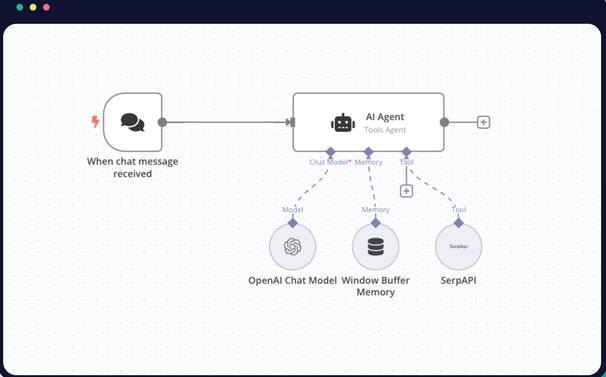
  5. When you need a separate Python service Locked
MODULE 11

Testing, deployment and operations

5 lessons
  1. A test plan for a multi-tool platform Locked
  2. Performance, queues and caching Locked
  3. From development to staging to production Locked
  4. A dashboard for quality, cost and support Locked
  5. Handling incidents and updating models and tools Locked
MODULE 12

Launch, marketing and the graduation project

5 lessons
  1. A page that sells the result and offers a clear trial Locked
  2. Onboarding that gets the user to a first result Locked
  3. Testing paid demand and choosing what to expand Locked
  4. The graduation project: proving you can add a tool Locked
  5. A launch plan: ten tools, then twenty, then twenty Locked

Appendices and references

6 lessons
  1. The 50-tool catalog Locked
  2. Adding a new tool and testing demand for it Locked
  3. Credits, pricing and the critical operating rules Locked
  4. Prompt templates for the coding assistant and pre-release reviews Locked
  5. The graduation project and your first 30 days Locked
  6. Official references Locked

Course instructor

Eng. Ahmed Helmy

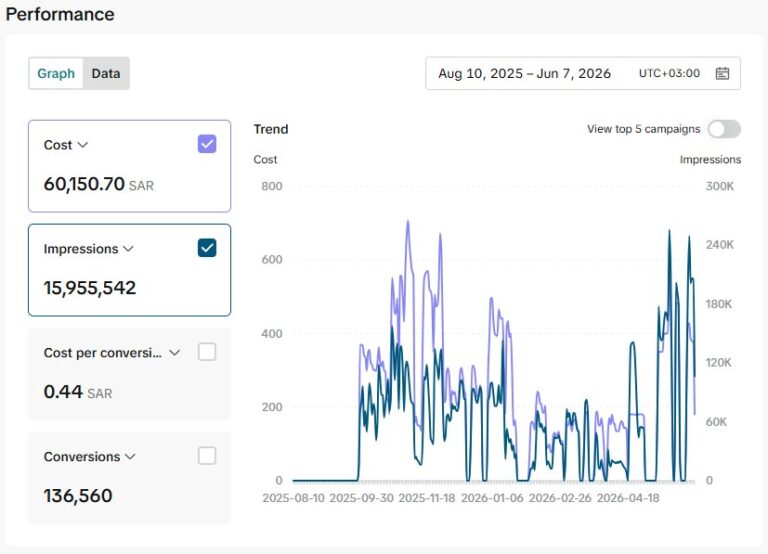
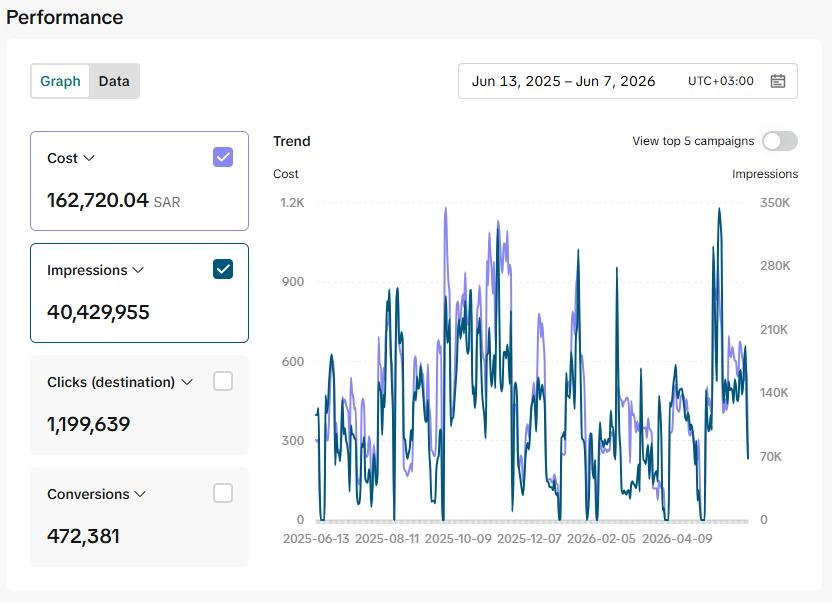
Computer engineer and executive director in Riyadh. He leads a team of 21 at Creative Era and manages SAR 550K to 650K in monthly ad spend for clients in Saudi Arabia and Egypt.

More about me

You start from one clear customer task, then build a shared engine for the tools and add the interface, accounts, credits and payments. You test how the platform behaves before launch. You work with a coding assistant such as Claude Code or Codex, and you read and test every change before you accept it.

You build six representative tools in five workshops and add a seventh on your own. Then you learn to add the rest of the 50-tool catalog through five execution patterns on the same system, without fifty different billing systems.

This is not a promise of a commercial product in a fixed number of days. Plan 35 to 55 hours for practice and review; the time depends on your experience and your setup.

Next step

Practical courses in marketing and AI automation

Courses, dev files, books, and a complete guide in Arabic, bringing together what I work with every day: ads, websites, automation, and AI.

EnrolChat on WhatsApp